
Many small businesses add a chat widget to their website hoping it will capture more leads. Sometimes it does. Other times it becomes one more place where inquiries sit unanswered, conversations disappear, and sales opportunities are never followed up.
The real question is not whether live chat or AI chat is “better.” The better question is: which approach helps your business respond faster, collect useful contact information, qualify the visitor, and make sure the right follow-up happens?
For most small and medium businesses, chat should not be treated as a standalone website feature. It should be part of a complete lead capture system that includes your calls, forms, CRM, appointment scheduling, and follow-up workflow.
Introduction
Live chat is a human-assisted website conversation channel. A visitor asks a question, and a real person responds through the chat window.
AI chat, chatbot, AI assistant, or AI receptionist usually refers to an automated assistant that can answer common questions, collect contact details, qualify the visitor, route the lead, and sometimes book an appointment.
Both can help capture more website leads. Both can also fail if they are used poorly.
The right choice depends on your staffing, business hours, lead value, sales process, and how consistently your team follows up.
The Problem
Small businesses often lose website leads because visitors have questions at the exact moment staff are unavailable.
That may happen because:
- The visitor arrives after hours.
- The team is busy with customers, jobs, or calls.
- The chat widget is active, but no one responds quickly.
- The visitor leaves before filling out a form.
- The conversation is not saved, routed, or followed up in the CRM.
This creates a hidden revenue leak. The business may believe it has a traffic problem when the real issue is that interested visitors are not being captured and followed up.
Chat can solve part of that problem, but only if it is connected to a clear intake and follow-up process.
Why This Happens
Most chat failures are not caused by the chat tool itself. They happen because the business has not decided what the chat is supposed to accomplish.
A useful chat system should do more than answer questions. It should help move the visitor from anonymous website traffic to a known contact with a clear next step.
The common leak points are:
- No one is assigned to monitor live chat.
- Contact information is collected too late or not at all.
- Chat transcripts are not connected to a CRM.
- Sales-ready leads are not routed quickly.
- After-hours inquiries are reviewed too late.
- AI answers are too generic or not accurate enough.
- Human escalation rules are missing.
Live chat and AI chat both need ownership. Without that, the business may create the appearance of responsiveness without actually improving lead capture.
Business Impact
The impact of missed chat leads is bigger than the missed conversation itself.
When a visitor asks a question through chat, they are often signaling active interest. They may be comparing providers, checking availability, asking about price, or deciding whether to book. If they do not get a timely answer, they may move on to another business.
Slow or inconsistent chat response can affect:
- Lead volume
- Appointment bookings
- Sales pipeline quality
- Staff efficiency
- Customer trust
- Revenue attribution
The cost of a chat system should be measured against recovered opportunities, not just the subscription price. A low-cost tool that does not trigger follow-up can be more expensive than a better workflow that captures and converts leads consistently.
Customer Psychology
Website visitors usually want fast clarity.
They may not be ready to call. They may be browsing after work. They may have one simple question before they decide whether to schedule, request a quote, or continue researching.
Chat works because it reduces friction. It gives the visitor a low-pressure way to ask:
- “Do you serve my area?”
- “How much does this usually cost?”
- “Can I book an appointment?”
- “Do you handle my type of issue?”
- “How soon can someone contact me?”
If the experience is fast and helpful, trust increases. If the widget says “We typically reply in a few hours” or the visitor waits with no answer, trust drops.
The goal is not just to reply. The goal is to create enough confidence for the visitor to share their contact information and take the next step.
Real World Example
Imagine a local service business that gets steady website traffic from search and referrals.
During business hours, the office manager answers calls, responds to forms, and occasionally monitors chat. But when the phone is busy, chat gets ignored. After 5 p.m., visitors can still browse the website, but no one is available to answer questions.
The owner adds live chat, expecting more leads. During slow periods, it helps. During busy periods, visitors wait too long. After hours, the widget collects a few messages, but they are not reviewed until late the next morning.
In this case, live chat alone does not fix the issue. The business needs a better workflow:
- Immediate acknowledgment for every visitor.
- Early capture of name, phone, email, and need.
- Qualification questions to identify urgency and fit.
- CRM entry or staff notification.
- Follow-up task if no one responds immediately.
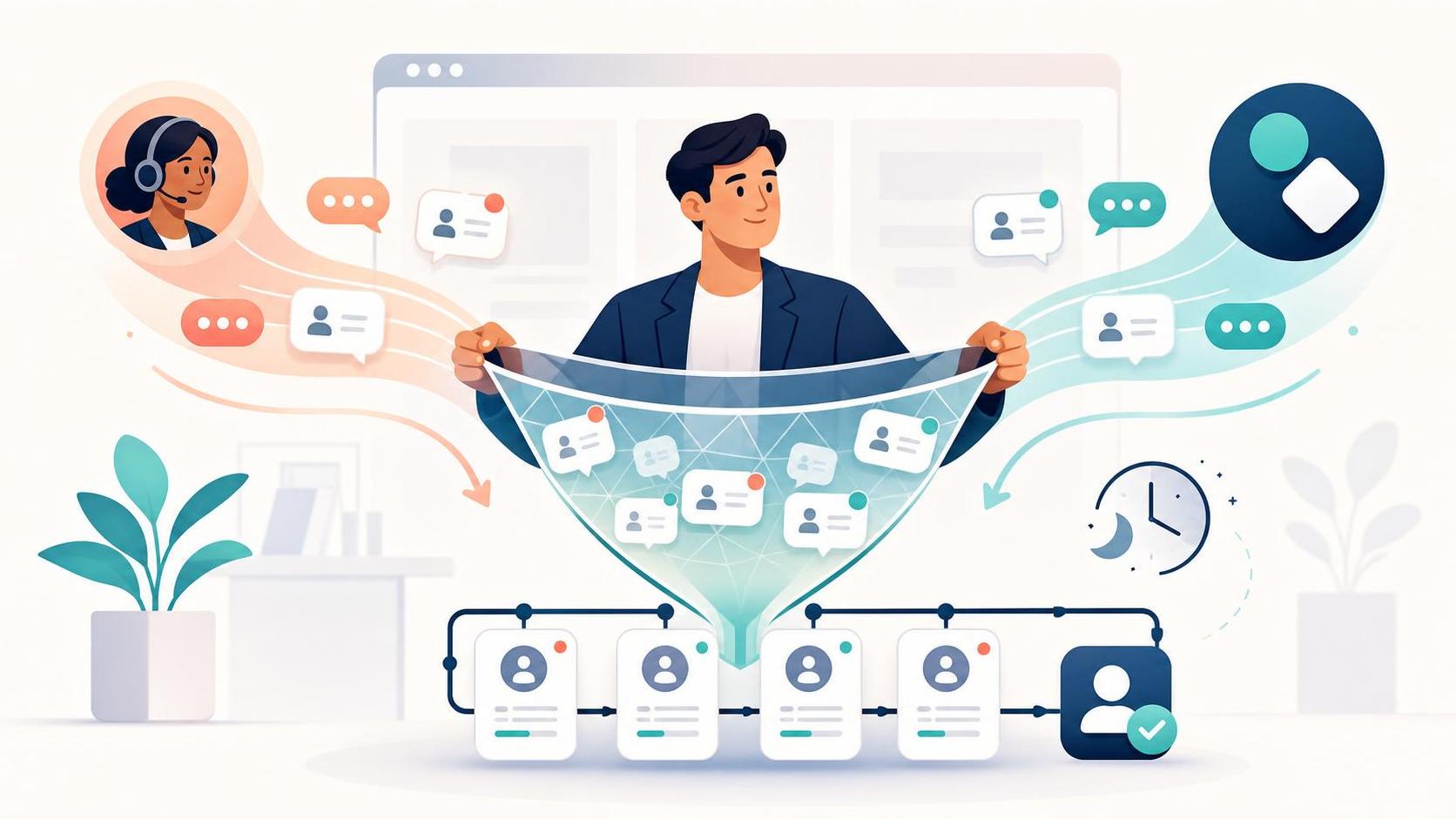
A hybrid model may work best. AI handles instant intake, common questions, and after-hours coverage. A human takes over when the visitor is high-value, complex, or ready to book.
Common Mistakes
The most common mistake is choosing chat software before designing the lead capture process.
Other common mistakes include:
- Installing chat without assigning ownership.
- Waiting too long to ask for contact information.
- Treating chat as separate from the CRM.
- Letting AI answer questions without review or boundaries.
- Failing to define when a human should step in.
Another mistake is confusing chat conversion rate with overall website conversion rate. Chat conversion measures how many chat interactions become known contacts, qualified leads, appointments, or customers. Overall website conversion includes all channels, such as forms, calls, and booking links.
You need both views, but they should not be treated as the same metric.
Solutions
Better processes
Start by deciding what a successful chat conversation should produce.
For most small businesses, the goal is not simply to “answer questions.” The goal is to capture a qualified lead and create a next step.
A simple process should define:
- Who owns chat during business hours
- What information must be collected
- Which questions qualify the lead
- When to escalate to a human
- What follow-up happens if the visitor leaves
A good chat process separates three stages:
- Lead capture: collecting name, phone, email, and basic need.
- Lead qualification: understanding urgency, fit, budget, location, or service type.
- Lead routing: sending the lead to the right person, CRM stage, or appointment workflow.
Better systems
Chat should connect to your lead tracking system.
That may be a CRM, a shared inbox, a scheduling platform, or another organized contact system. The key is that chat leads should not live only inside the chat tool.
At minimum, your system should:
- Create or update a contact record.
- Save the conversation history.
- Notify the responsible person.
- Trigger a follow-up task or sequence.
- Track whether the lead became an appointment or sale.
This is where many businesses lose money. They capture a conversation but fail to turn it into a managed opportunity.
Chat is only one part of the larger lead capture system covered in LC-0001. It should work alongside missed call handling, website forms, CRM workflows, and automated follow-up.
Automation
Automation helps make sure the same basic steps happen every time.
This does not mean removing humans from the process. It means using the system to support the team, reduce missed handoffs, and keep leads from slipping through the cracks.
Useful automation may include:
- Instant confirmation that the inquiry was received.
- Automatic CRM contact creation.
- Staff notifications for sales-ready leads.
- Appointment booking links or scheduling prompts.
- Follow-up messages if the visitor does not complete the next step.
Automation is especially valuable when your team is busy, understaffed, or handling leads from multiple channels.
AI
AI chat is most useful when your business has repeatable questions, after-hours traffic, limited staff coverage, or inconsistent follow-up.
A well-configured AI assistant can:
- Respond instantly 24/7.
- Answer common questions.
- Collect contact details.
- Ask qualification questions.
- Route leads by service, location, urgency, or need.
- Trigger CRM updates and follow-up workflows.
- Book appointments when scheduling rules are clear.
AI is not perfect. It can struggle with unusual situations, sensitive conversations, or complex requests. It also needs proper setup, monitoring, and escalation paths.
The strongest use case is not “AI replaces people.” It is “AI captures and organizes the opportunity so people can respond faster and better.”
AI Opportunity
AI chat often captures more leads when availability and consistency are the main gaps.
For example, if your website gets traffic at night, on weekends, or during times when the team is busy, AI can provide immediate intake instead of letting visitors leave unanswered.
Live chat often performs better when the business has trained staff available during peak lead windows and the sale requires judgment, empathy, or a consultative conversation.
A hybrid model is often the practical middle ground:
| Business need | Best fit |
|---|---|
| Complex, high-value inquiries | Live chat |
| After-hours lead capture | AI chat |
| Repeat questions and basic qualification | AI chat |
| Sensitive or nuanced conversations | Live chat |
| Fast intake plus human judgment | Hybrid chat |
The best chat system is the one that reliably moves the visitor to the next step.
Book a Free Revenue Recovery Consultation
Quick Wins
Before buying a new chat tool, review one week of activity across chat, forms, and missed calls.
Look for:
- Unanswered chats
- Slow response times
- Visitors who asked questions but never became contacts
- Form submissions with no documented follow-up
- After-hours inquiries that were handled too late
Then define the minimum workflow you need.
A simple implementation path:
- Audit current missed leads.
- List the top questions visitors ask.
- Decide what information chat must collect.
- Set qualification questions.
- Connect chat to your CRM or notification workflow.
- Test human handoffs.
- Review results weekly.
What you measure matters. Track chat response time, known contact rate, qualified lead rate, appointment booking rate, abandoned chats, after-hours lead volume, CRM creation rate, follow-up completion rate, and closed revenue from chat leads.
Frequently Asked Questions
Is AI chat better than live chat for leads?
Not always. AI chat is better when you need instant response, after-hours coverage, consistent intake, and basic qualification. Live chat is better when trained staff can respond quickly and the inquiry requires human judgment.
Can a chatbot replace a receptionist?
In some tasks, yes. AI can answer common questions, collect details, route leads, and book appointments if the workflow is clear. But it should not replace human support for complex, sensitive, or high-value conversations.
Should chat leads go into my CRM?
Yes. If chat leads stay inside the chat platform, follow-up becomes harder to manage. Chat should create or update contact records, trigger tasks, and connect to your sales or appointment process.
How fast should my business respond to website chat?
As fast as possible. At minimum, visitors should receive an immediate acknowledgment. Sales-ready leads should be routed to a human quickly, especially during business hours.
What is the biggest reason chat fails to capture leads?
The biggest reason is lack of follow-up workflow. A business may answer a question but fail to collect contact information, qualify the visitor, assign ownership, or create a CRM record.
Should small businesses use live chat, AI chat, or both?
Many small businesses should consider a hybrid approach. AI can handle instant intake, FAQs, qualification, and after-hours coverage. Humans can step in for complex, sensitive, or sales-ready conversations.
Key Takeaways
- Chat is a lead capture channel, not just a website widget.
- Live chat works best when trained staff can respond quickly and handle nuanced conversations.
- AI chat works best when availability, consistency, and after-hours coverage are the main gaps.
- Hybrid chat is often the best fit for small businesses that need both speed and human judgment.
- The real value comes from capturing contact details, qualifying leads, routing them properly, and following up consistently.
Next Steps
Review how your business currently handles website inquiries.
Ask:
- Who responds to chat during business hours?
- What happens after hours?
- Are contact details captured early?
- Do chat leads enter your CRM?
- Is follow-up assigned and tracked?
- Can you see which chat leads became appointments or sales?
If you cannot answer those questions clearly, the issue is probably not the chat tool. It is the lead capture workflow behind it.
Book a Free Revenue Recovery Consultation
If you want help identifying where revenue is leaking from your business, book a free consultation.